- L(ai)tte
- Posts
- The AI Tools I use to create my Weekly Newsletter
The AI Tools I use to create my Weekly Newsletter
Done quickly and seamlessly
Spotlight
Social media can help your business grow, but it's risky to rely on it entirely. It can be taken away without warning, erasing years of hard work and consistency, having experienced this first hand, I know how frustrating it can be. That's why it's crucial to use social media as a stepping stone to owned media, particularly email marketing.
Here's why email marketing is so powerful:
Nurtures relationships with your community
Communicates directly with your audience
Generates leads and drives sales
Outperforms SEO and paid ads, generating $40 for every $1 spent
However, creating a weekly newsletter can be time-consuming. That's why I'm sharing the AI tools I use to streamline my process and send out two emails per week seamlessly.
 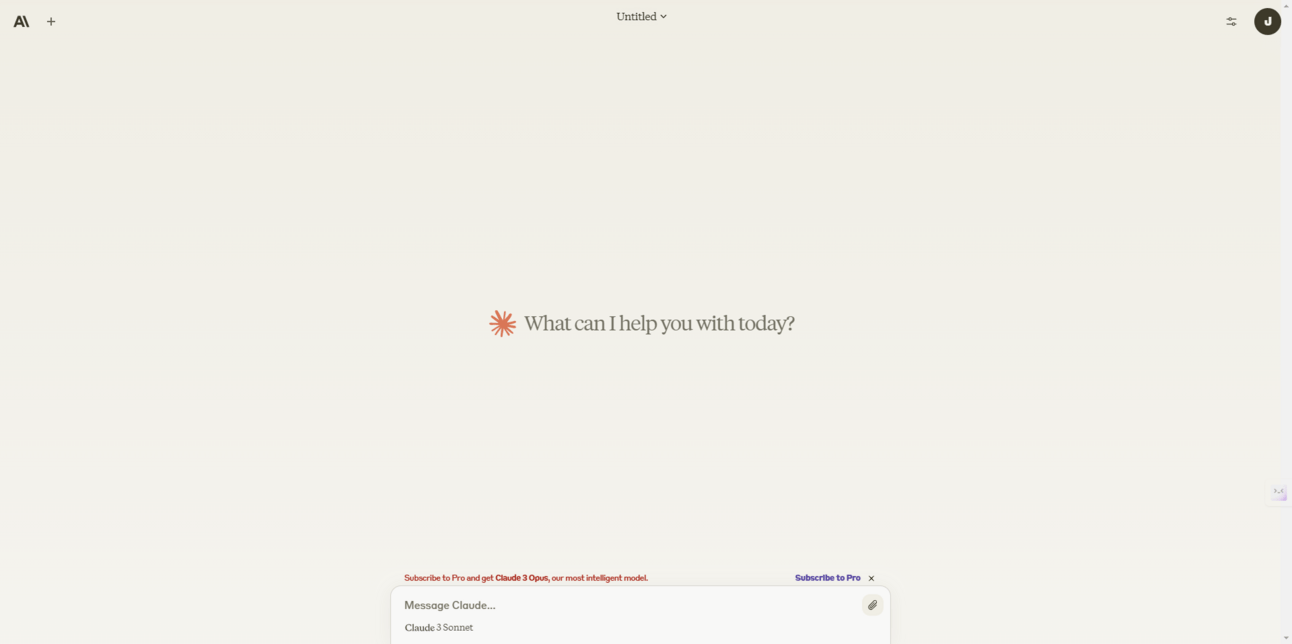 |  |
Notion AI
Notion is a productivity and collaboration tool that allows users to create and organise notes, tasks, and projects in a single workspace. With the introduction of Notion AI, a writing assistant, Notion has elevated their workspace by helping users write, brainstorm, edit, summarise, and more.
Price: Free plan, Plus for $8 per user/month, Business $15 per user/month
Here's how I use it:
I've created a workspace that keeps my weekly emails organised. Within each week, I usually dump all my ideas, thoughts, and notes. Then, I highlight my notes and use the "Ask AI" feature to help create an introduction for my email newsletter. This saves me time organising my notes and figuring out what matches where.

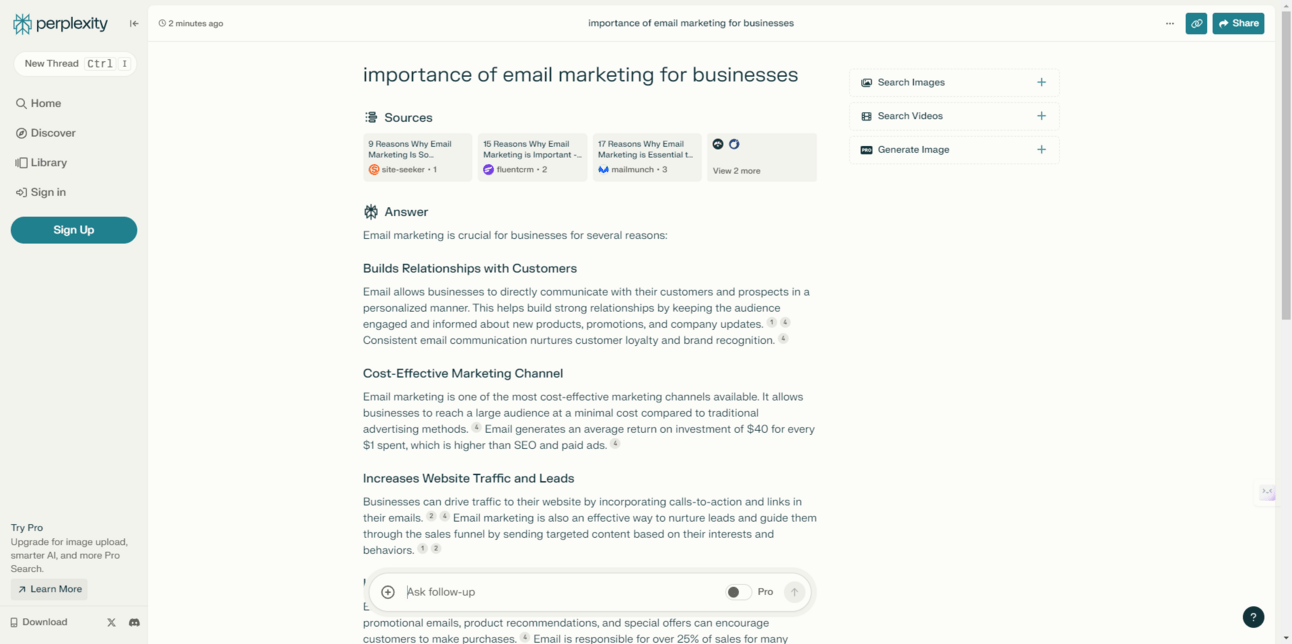
Perplexity
Perplexity is an alternative to traditional search engines, allowing users to directly pose questions and receive concise, accurate answers backed up by a curated set of sources.
Price: Free, or Professional $20 per month
Here's how I use it:
Perplexity has become my favorite research assistant, slowly replacing Google Search when researching information for my newsletter. It provides me with the most relevant information, saving me time and effort in the process.
However, it’s important to mention that hallucinations do occur, so always check citations to ensure the facts checkout.
Claude
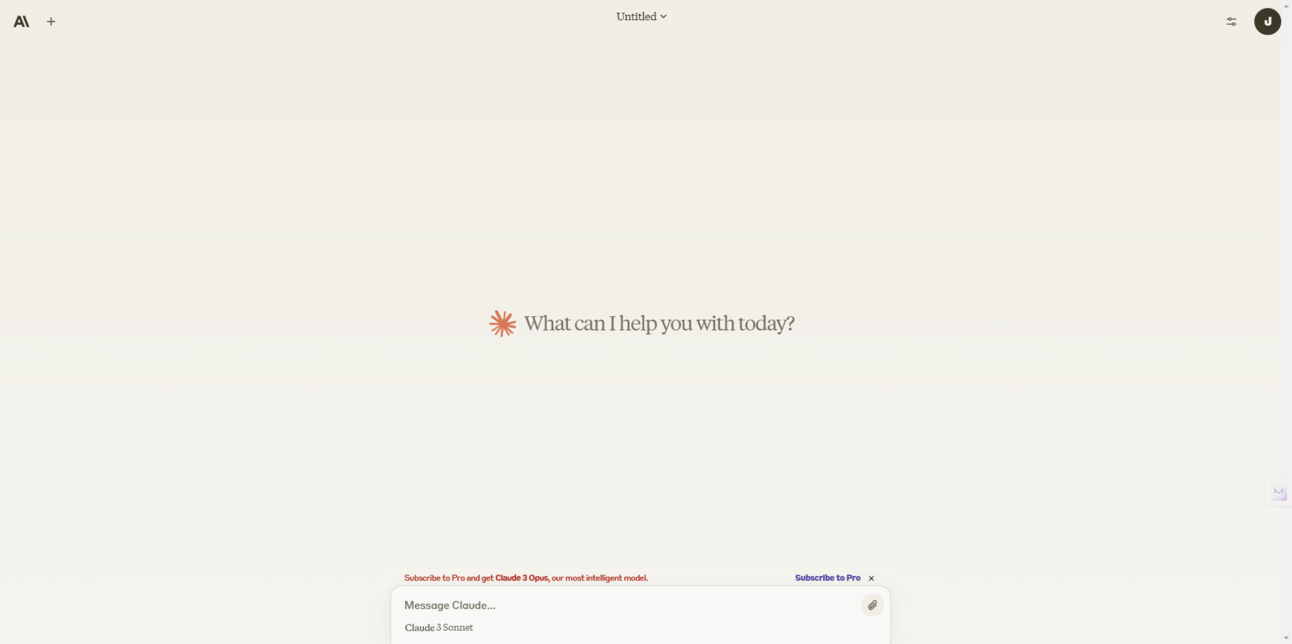
Claude is a next generation AI assistant built for work and trained to be safe, accurate, and secure. It works similar to ChatGPT and Gemini.
Price: Free, Monthly Plan of $20
Here's how I use it:
Claude is my favorite GPT, especially when it comes to writing. I use Claude to:
Fix the structure and flow of my content
Generate URL slugs
Create SEO titles and descriptions
Claude's advanced capabilities help me refine my writing and optimise my content for search engines, making it an invaluable tool in my content creation process.
Prompts
Prompt to create a URL slug, SEO Title and SEO Description for the newsletter:
Act as an SEO strategist and create a URL slug, SEO title, and SEO description (100 characters max) for my newsletter pasted below. Keep in mind that this newsletter is for [insert audience] to help them [insert how your newsletter will help your audience].
Prompt to fix the structure and flow of your content:
Act as an experienced copywriter and email marketing strategist and provide feedback and suggestions on how I can improve the flow and structure of my newsletter's content. Ensure the tone is [insert tone], and let me know if my audience of [insert audience] would find this helpful and informative.
Prompt to create an attention grabbing email subject line:
Act as an experienced copywriter and provide me with a list of attention-grabbing email subject lines. Generate 5 witty subject lines, 5 emotionally-based subject lines, and 5 analytical subject lines. Use the information I have pasted below to create the email subject lines.
Reply